Join WhatsApp Groupt and Get GSM Tool for Free
Join Now
Join Facebook Group and Get GSM Tool For Free
Join Now
Here You Can Download GENERAL TOOL V2.0 For Free, And I Will Step By Step Guide You On How To Install GENERAL TOOL V2.0 On Your Computer Or Laptop.
GENERAL TOOL V2.0 is a free and simple tool for Windows computers, created by the files.general-team.com team. It helps users unlock phones, bypass FRP on Samsung using the MTP method, and supports Fastboot, ADB, Qualcomm, and MTK features.
GENERAL TOOL V2.0 Features
Samsung
- Translate:
- Translate All world languages
- Arabic Keyboard
- Change Language Arabic
- Unlock SIM:
- Selection Model:
- Info
- Unlock SIM
- Command:
- Open hidden menu VZW (Modem Port)
- Reboot Recovery (Modem Port)
- Skip Lock Screen (Modem Port)
- Reboot Download Mode (Modem Port)
- Format (Modem Port)
- Zero SPC (Serial Port)
- Fix 3G Sprint (Modem Port)
- Change CSC
- ChangeCSC Theme New
- Change CSC Android New 10-11
- Change CSC Android 9 Pie
- Change CSC Android 8 Oreo
- Convert Samsung Old
- Convert Samsung Verizon + Sprint Android 10
- Convert Samsung Verizon + Sprint Android 9
- Convert Samsung Verizon + Sprint Android 8
- ChangeCSC Theme New
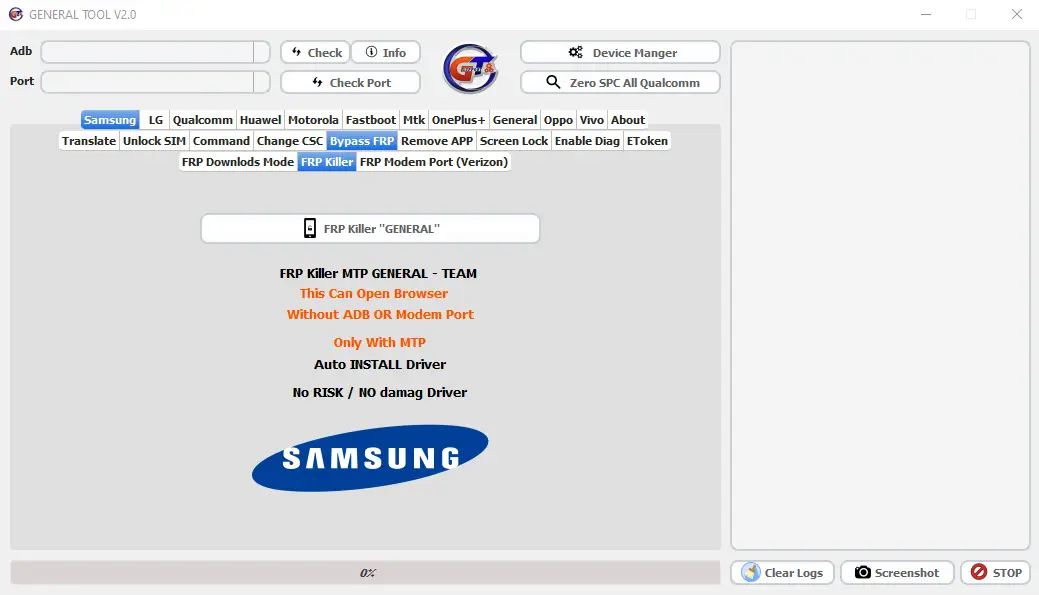
Bypass FRP
- FRP Downloads Mode
- FRP/Samsung Account (Exynos CPU)
- FRP 1
- FRP 2
- FRP/Samsung Account (Qualcomm CPU)
- FRP 1
- FRP 2
- FRP/Samsung Account (Exynos CPU)
- FRP Killer
- FRP Killer “General”
- FRP Modem Port
- FRP Normal / Verizon
- Remove FRP Modem Port
- FRP Normal / Verizon
- Remove APP
- Verizon
- Sprint
- T-Mobile
- ATT
- Amazon
- China Telecom
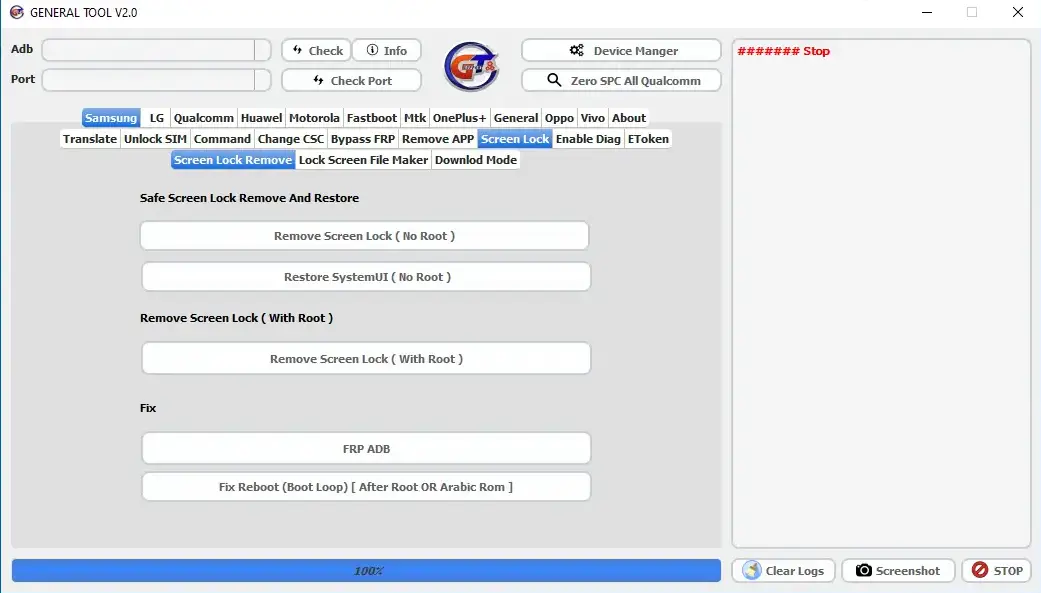
Screen Lock
- Screen Lock Remove
- Safe Screen Lock Remove and Restore
- Remove Screen Lock No Root
- Restore SystemUI (No Root)
- Remove Screen Lock With Root
- Remove Screen Lock (With Root)
- Fix
- FRP ADB
- Fix Reboot Bootloop [After Root or Arabic ROM]
- Safe Screen Lock Remove and Restore
- Lock Screen File Maker
- FRP ON/OEM ON
- Method: Patch System for Remove Screen lock (Without Remove SystemUI)
- Method: Patch System for Remove Screen lock (Remove SystemUI)
- File System:
- FRP ON/OEM ON
- Download Mode: Soon
- Enable Diag:
- With Root: Enable Diag || Without Root: Enable diag
- Etoken Bypass: Soon
LG
- Unlock SIM: Unlock Sim Spring without Root
- Unlock SIM: Unlock Sim Spring with Root
- LG Command:
- Open Hidden Menu Modem Port
- Open Port LG
- Enable Diag
- Wipe Data (Modem Port)
- Reboot Download Mode
- Skip Lock Screen
- Modem Reset
- Enable Diag
- Zero SPC
- Repairs:
- Fix Network after Convert
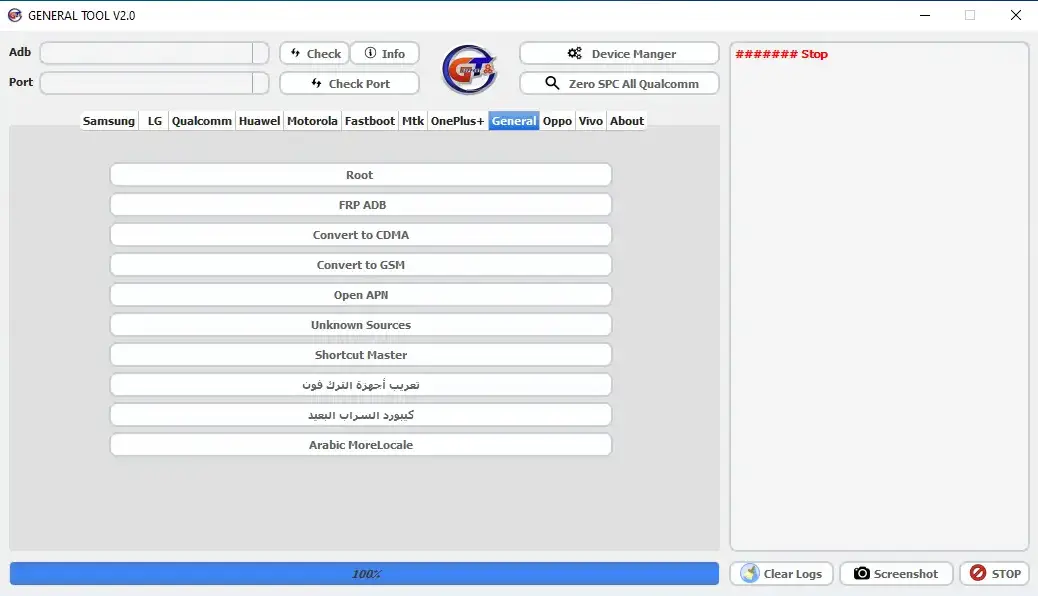
- Convert to CDMA
- Convert to GSM
- Open APN
- Unknown Sources
- Fix Activate All
- Unlock Download Mode (Root)
- Root
- Fastboot
- Fix Fastboot Sprint
- Select Model: Fix
- Fix Fastboot Other Devices
- Fix Fastboot All
- Unlock New
- Read SPC
- Unlock New
Qualcomm
- ZTE
- ZTE FRP EDL::: ==>> Reset FRP
- ZTE FRP Tracfone Sideload: ===>> Reset FRP
- ANS:
- FRP ANS L51 EDL Mode
- FRP ANS L50 EDL Mode
- FRP ANS UL40 EDL Mode
- UMAX
- FRP UMAX U683CL
- China Mobile
- FRP N5 EDL Mode
- Huawei:
- FRP EDL: FRP Remove Huawei
- Sugar:
- FRP EDL: FRP Remove Sugar
- General:
- Arabic Tracfone All
- Exit EDL Mode==> Start
- Reboot EDL
- Reboot Recovery
- Arabic Tracfone All
- Huawei:
- FRP PWD Code:: Remove FRP
- FRP FASTBOOT:: FRP Remove Huawei
- General:
- FRP ADB
- Change Language Arabic
- Unlock SIM MTK
- Motorola
- Change Language Arabic
- DST APN
- Edit APN
- 3G Root
- Change Network to CDMA
- Change Network to GSM
- Fastboot
- Lenovo FRP
- Xiaomi FRP Remove
- Huawei FRP Remove
- HTC FRP Remove
- FRP Micromax
- FRP Universal
- Qualcomm FRP
- FRP PWD Code Huawei
- Unlock SIM
- Reboot Bootloader
- Unlock Bootloader
- Unlock SIM
- General
- Info
- Format Factory
- Reboot to EDL
- Reboot Home
- OEM Unlock
- Mi Account Remove
- Unlock Bootloader HTC
MTK
- Fix IMEI (Root)
- Flash Read/NVRAM (Root)
- Must be NV path in Desktop
- ADB: Reboot Recovery || Format || Unlock Screen Lock
OnePlus
- Reboot Bootloader
- Unlock Bootloader
- Unlock SIM
- Open Diag
Oppo
- FRP Remove Oppo
- Format Oppo EDL Mode
Vivo
- FRP Vivo EDL Mode
- User Lock Remove
- FRP Remove
- That’s it.
How To Install GENERAL TOOL V2.0
Download Link
MediaFire Link: 👉 Click Here
- Download the tool from the link provided
- After Downloading, Extract Zip File
- Open General Tool Setup, and install With Basic Instruction
- After Installing, Open Tool From Desktop
- After That Install All USB drivers, or skip this step if already installed.
- Then Connect your phone and perform the desired function
Free Tool 👉 Miracle Box V3.40 Crack Free Download (100% Working)

Free Tool 👉 TFT Unlock Tool 4.6.4.4 Back With Custom Server (Update File)

Leave a Comment